A PRACTICAL GUIDE · BY STAVEWISE
How to practice piano
from PDF sheet music
You have the score. Now you want to hear a passage, work on one hand, or slow it down enough to understand what comes next.
Stavewise can read a PDF or photograph of piano notation into a practice score. You review the recognized notes, then use playback and the 3D piano guide to work through the music. Recognition can make mistakes, so checking the result is part of the process.
In this guide
1. Start with a clear score
Choose a PDF, scan or photograph with complete staves and readable symbols. For photographs, keep the page flat, use even lighting and include the edges of the music.
The online upload limit is 4 MB per file. Use music you have permission to upload and process.
2. Open the file in Stavewise
In the studio, choose Open sheet music and select your file. Keep the tab open while the reader processes it. Several pages can take a few minutes.
Importing your own scores requires membership. You can explore the free Bach demo first without creating an account.

3. Compare the result with your original
Before practicing, listen to a short section and compare it with the printed score.
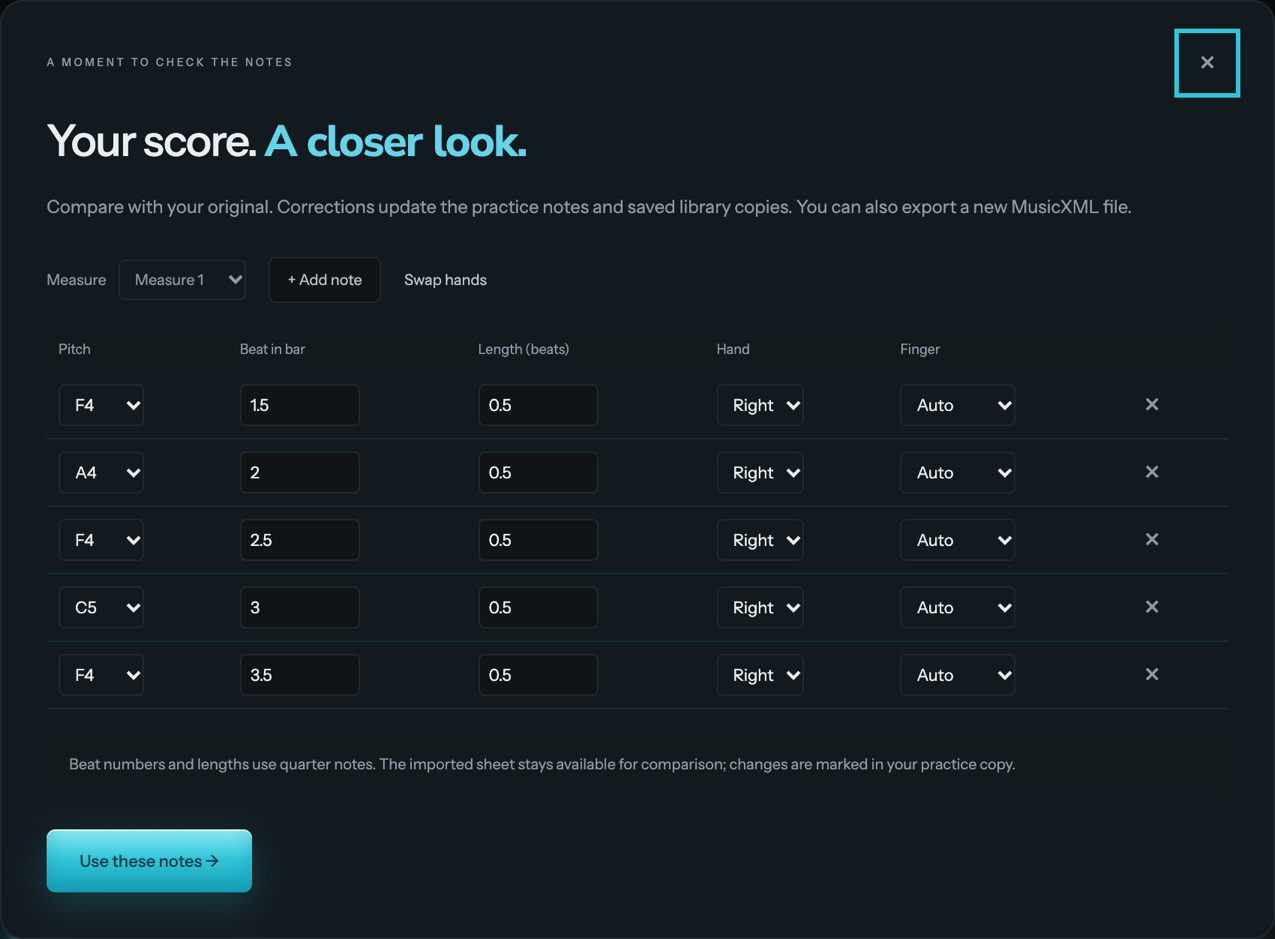
Check the pitches, rhythms and which hand each note belongs to. In Review notes, you can change pitch, timing, duration and hand assignments, or add and remove notes.
Written measures currently play once. Repeat signs and other complex notation may not produce the performance order you expect, so check the practice timeline.
4. Choose one hand and a short passage
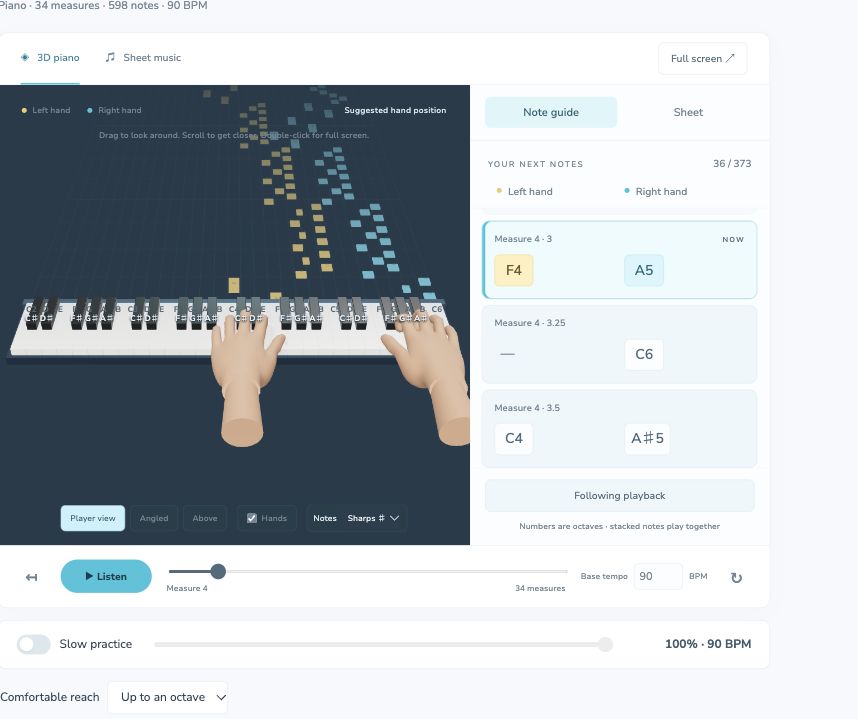
Start with the left or right hand and a manageable section. Slow the tempo until you can follow both the notation and the highlighted piano keys. The aim is to understand the passage before increasing speed.
The 3D guide shows suggested hand placement. Review any awkward fingering and adjust it to suit a comfortable approach.
5. Listen, then play
For phrase practice, choose one or two bars, listen to the demonstration, and play after the count-in.
If you use microphone feedback, wear headphones so the microphone hears your piano rather than the demonstration. Room noise, pedal resonance and dense chords can affect recognition.
Feedback estimates notes and their starting times. It doesn’t assess posture, tension or musical expression.

6. Return to the score as you improve
Once the passage feels more familiar, try both hands or a slightly faster tempo. Keep comparing what you hear with the original notation.
Use the visual guide to help you find your way through the piece, and seek a teacher’s advice when technique or fingering feels uncomfortable.
Try the workflow before uploading.
Open Bach’s Invention No. 8 in the free demo. Choose one hand, slow the tempo and explore a short phrase.
Try the free piano demo →